
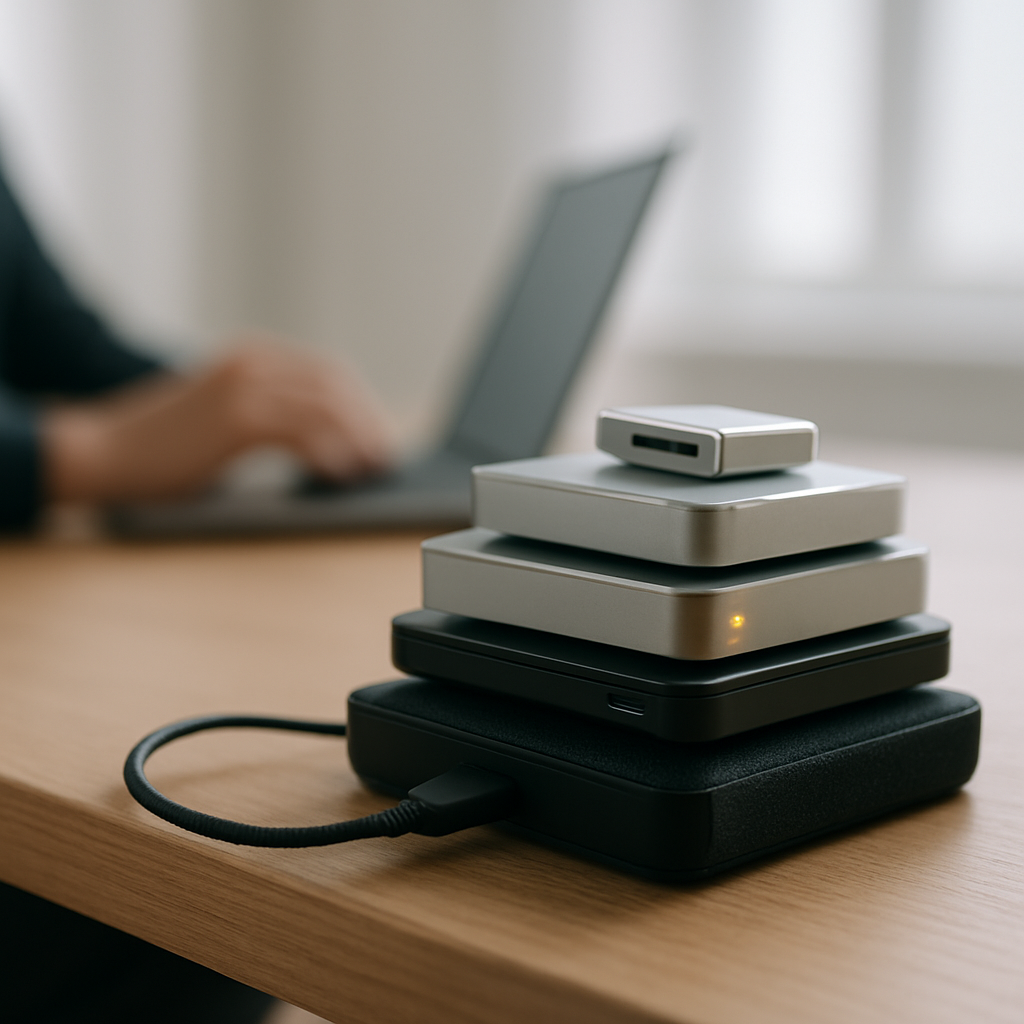

Low storage often shows up as a laptop that feels slow day to day, even when nothing looks broken.
Why storage fills up quickly
Most of us store a mix of photos, videos, documents, and apps on our laptops. Over time, these files can pile up without us noticing, leaving less space for new things and slowing the device down.
Temporary files, downloads, and duplicates can also quietly take up storage. Some apps use a lot of space for cache or data, which can add up.
Safe checks to try at home
- Look through your Documents, Downloads, and Pictures folders for files you no longer need.
- Delete duplicates or old versions of files you have saved elsewhere.
- Empty your Recycle Bin or Trash regularly.
- Check your desktop for clutter; files here can slow things down.
Backup options to consider
Using a backup service or external storage can protect your important files and free up space on your laptop. Cloud backups keep your data safe offsite, while external drives offer quick access without using online data.
When to get help
If storage management feels overwhelming or your laptop remains slow despite clearing files, a visit from a mobile technician can help. They can organise your storage efficiently and recommend backup methods suited to your needs, without you having to figure it all out yourself.