

Wi-Fi that drops out during a video call, buffers constantly, or vanishes in certain rooms is a daily annoyance in many homes. The good news is that some fixes are surprisingly simple and do not require logging into complicated router settings.
Printer setup struggles often tie back to Wi-Fi — see how to set up a printer on Wi-Fi for a step-by-step walkthrough.
Quick checks anyone can try
- Restart the router. Switch it off at the wall, wait thirty seconds, then switch it back on. Wait a few minutes before you test again.
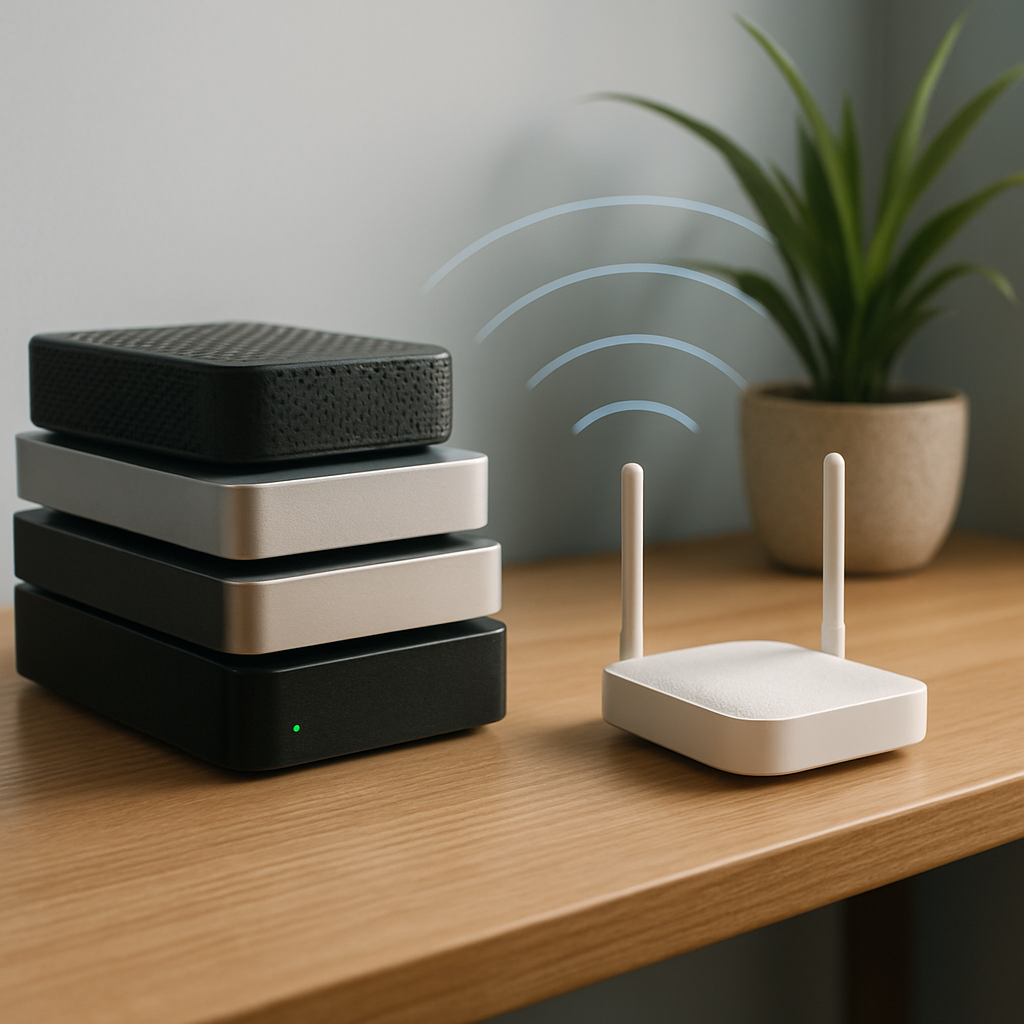
- Check where the router sits. Routers do best in an open, central spot, off the floor, and away from thick metal objects and microwave ovens.
- Move closer for a test. If Wi-Fi is perfect near the router but poor upstairs, the issue is likely signal reach.
- Reduce the load. Pause large downloads if you need a stable video call.
What is not worth trying alone
Logging into router admin pages, changing channels, updating firmware, or buying boosters without understanding your home layout can waste money and make things worse. Those steps are for someone who does this regularly, not troubleshooting 101.
When to get help
Book support if dropouts happen even near the router, only one room ever works, wired and wireless connections both fail, or nothing improved after changing providers. Those patterns point to setup or equipment issues worth diagnosing properly.