
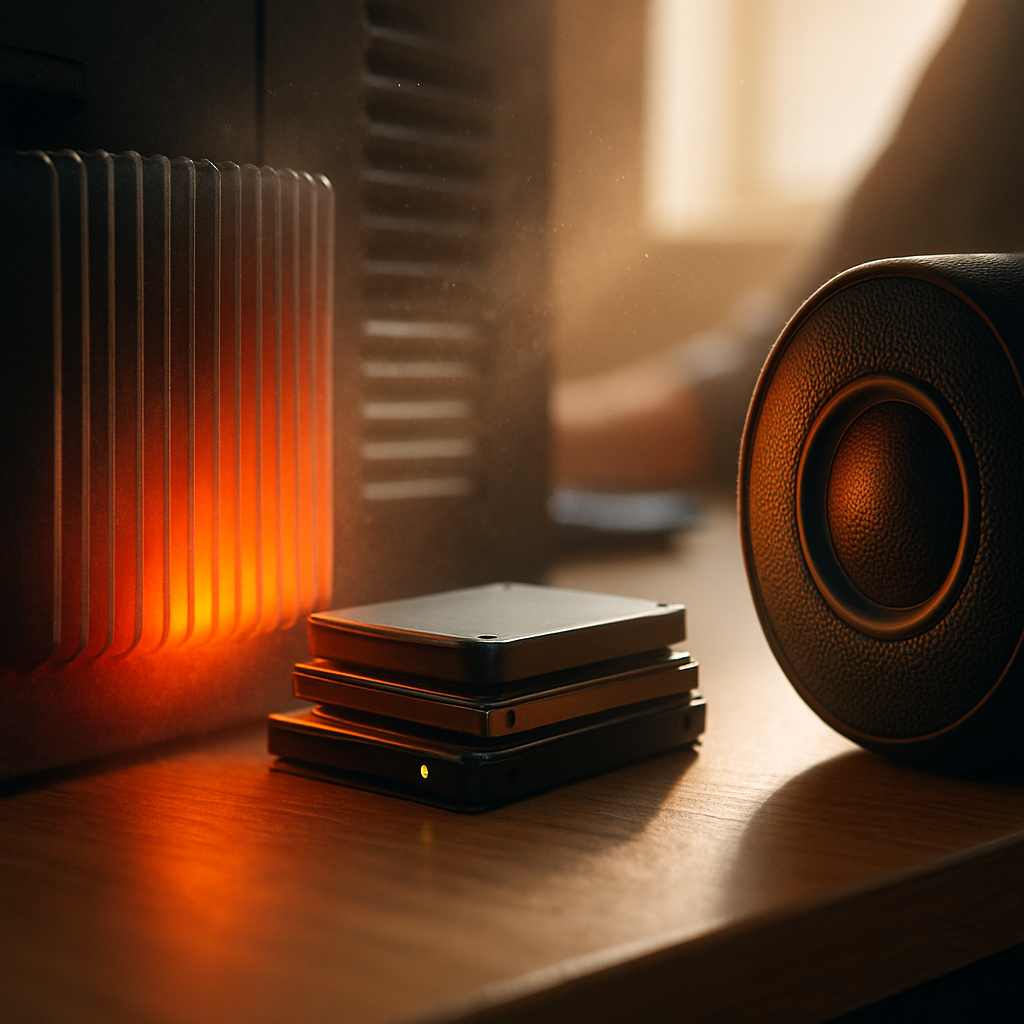

Why your computer might be making noises
If your PC starts making strange sounds when you power it on, it’s often a sign that some internal parts need attention. Common noises include clicking, grinding, or rattling, usually coming from the hard drive or cooling fan.
Hard drives have moving parts that can wear out or get damaged over time, causing clicking or grinding noises. Fans help keep your computer cool but can accumulate dust or wear down, leading to buzzing or rattling sounds.
Safe checks to try at home
- Listen carefully to identify if the noise is coming from the hard drive area or the fan vents.
- Ensure your computer is placed on a hard, flat surface to avoid vibrations that can amplify noises.
- Gently clean dust from fan vents using a soft brush or compressed air canister (without opening the case).
- Check that vents aren’t blocked by objects like papers or fabric.
When to get help
If the noises persist or you notice performance issues like slow loading or unexpected shutdowns, it’s a good idea to call a mobile technician. They can safely inspect your hard drive and fans without you needing to open up your computer. Early checks can prevent bigger issues down the line and keep your PC running smoothly.