

Why this happens
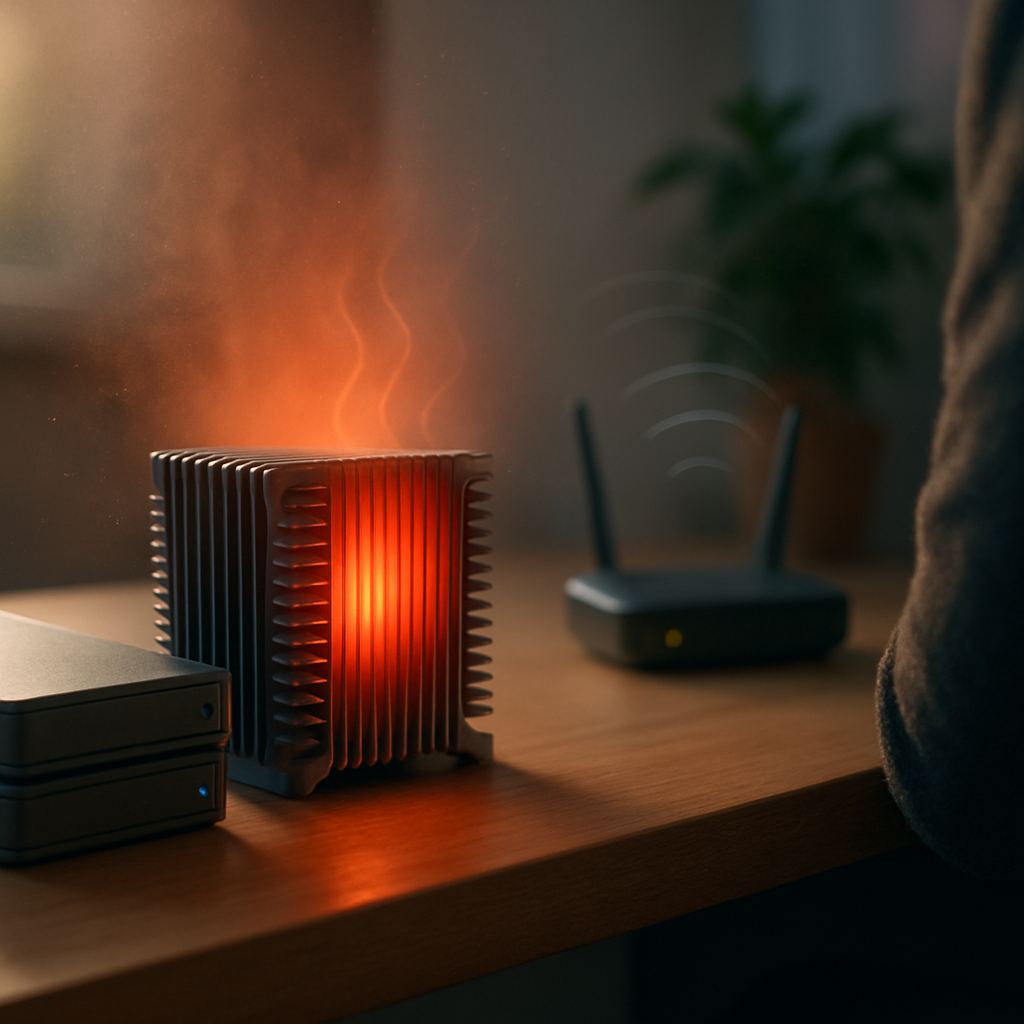
Computers can start making loud noises for several reasons. Often, it’s related to the cooling system working harder than usual. Fans inside the PC spin to keep components cool, but if they’re dusty, worn out, or struggling to keep temperatures down, they’ll get noisier. Sometimes, hard drives or other moving parts can also cause extra noise when they’re under strain or starting to fail.
Safe checks to try
- Make sure your computer is on a hard, flat surface. Soft surfaces can block vents and cause fans to work harder.
- Look for dust build-up around vents or fan areas from a distance; dust can cause fans to be noisy.
- Check that nothing is physically touching the fans, like cables or loose objects.
- Listen carefully to identify if the noise comes from the fans or elsewhere.
When to get help
If the noise persists or gets worse, it’s best to have a technician take a closer look. Unusual hardware sounds can signal components that need attention before they cause bigger problems. A technician can assess the situation safely without you needing to open your computer. Getting expert advice early can help keep your PC running smoothly and quietly.