
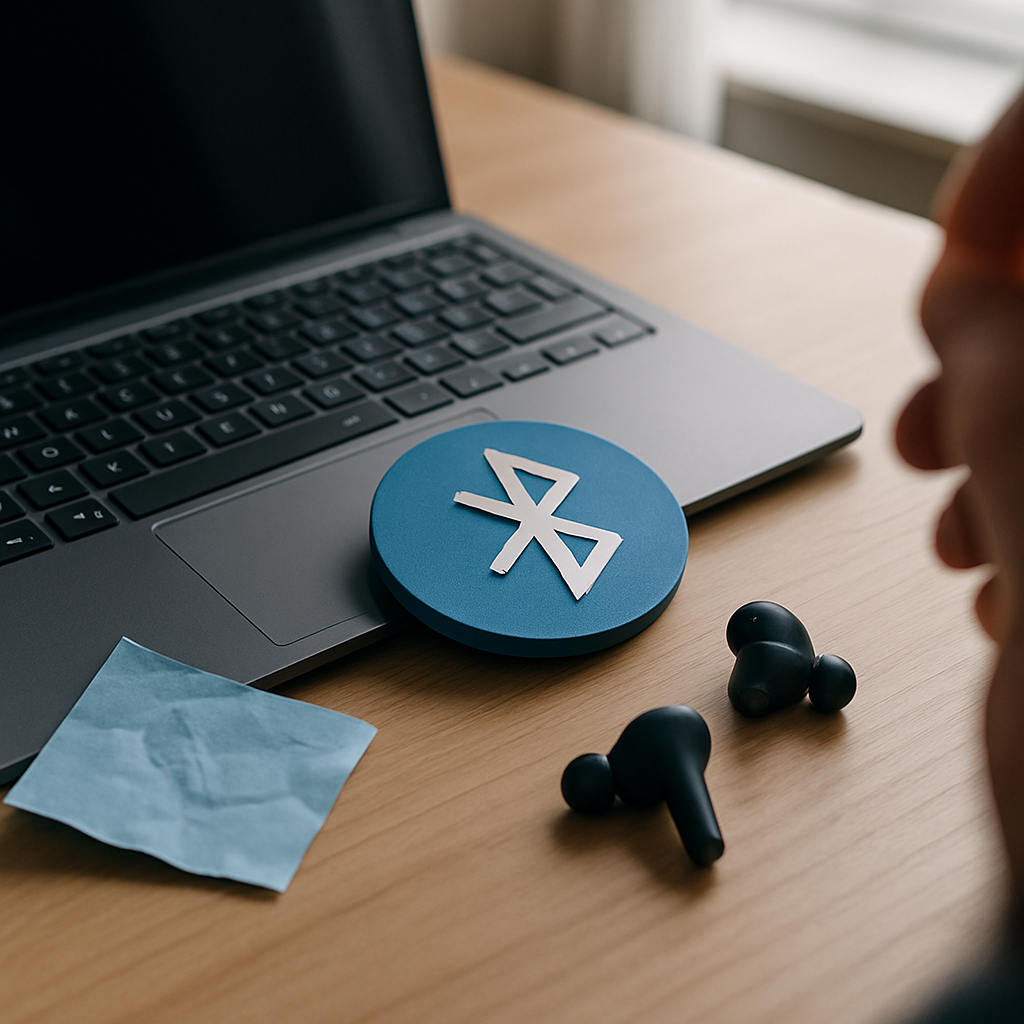

Why Bluetooth Connections Fail
Bluetooth is great for wireless devices, but sometimes connections can drop or fail to pair. Common causes include interference from other wireless devices, outdated software, or settings that need adjusting.
Safe Checks to Try at Home
- Make sure Bluetooth is turned on in your device settings.
- Toggle Bluetooth off and on again to reset the connection.
- Keep your device and the Bluetooth gadget close together without obstacles.
- Restart your device to clear temporary glitches.
- Check that the Bluetooth gadget is fully charged or powered on.
When to Get Help
If these simple steps don’t help and your device still struggles to connect or maintain a Bluetooth link, it might be time for a technician to take a closer look. I can visit your home or workplace to check your Bluetooth settings and troubleshoot connection issues safely without needing you to fiddle with complex settings.
Getting wireless connections running smoothly again can make a big difference, especially if you rely on Bluetooth for work or entertainment.