
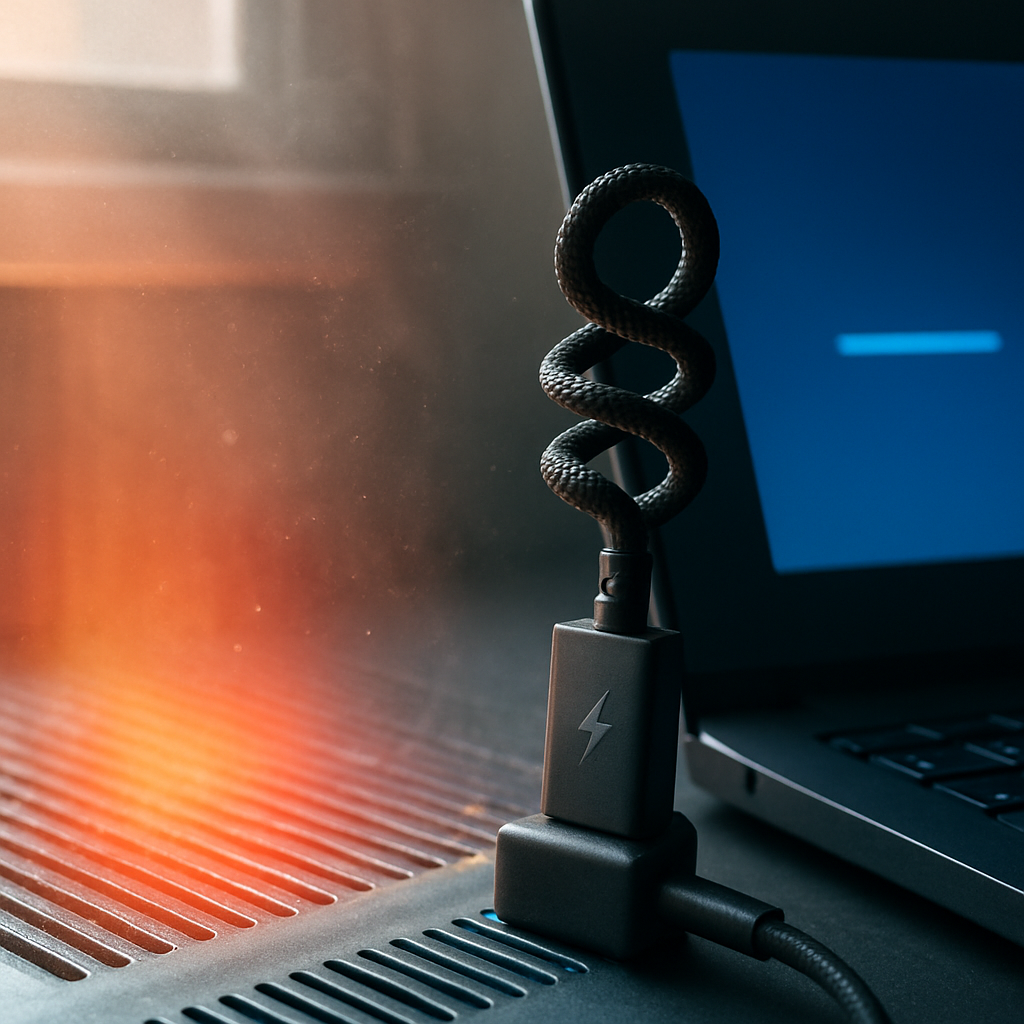

What Are Blue Screen Errors?
Blue screen errors, often called the “blue screen of death,” happen when your computer encounters a serious problem it can’t recover from without restarting. This usually results in a blue screen with error codes or messages.
Common Causes of Blue Screen Errors
- Faulty or incompatible hardware
- Corrupted or outdated system files
- Problematic software or drivers
- Overheating or power supply issues
- Conflicts between programs or updates
Safe Checks You Can Try
- Restart your PC and see if the error happens again
- Make sure Windows updates are installed to keep system files healthy
- Remove any recently added hardware or software if possible
- Run a basic antivirus scan to rule out malware
- Keep your PC in a well-ventilated area to avoid overheating
When to Get Help
If blue screen errors keep appearing or you’re unsure what they mean, it’s a good idea to get an expert to look at the error messages and troubleshoot safely. A mobile technician can visit your home or workplace to check the problem without needing you to send your PC away.
Don’t try to open your computer case or change hardware yourself — some fixes need specialised knowledge and tools. Getting help early can prevent further issues and keep your computer running smoothly.