

Why this happens
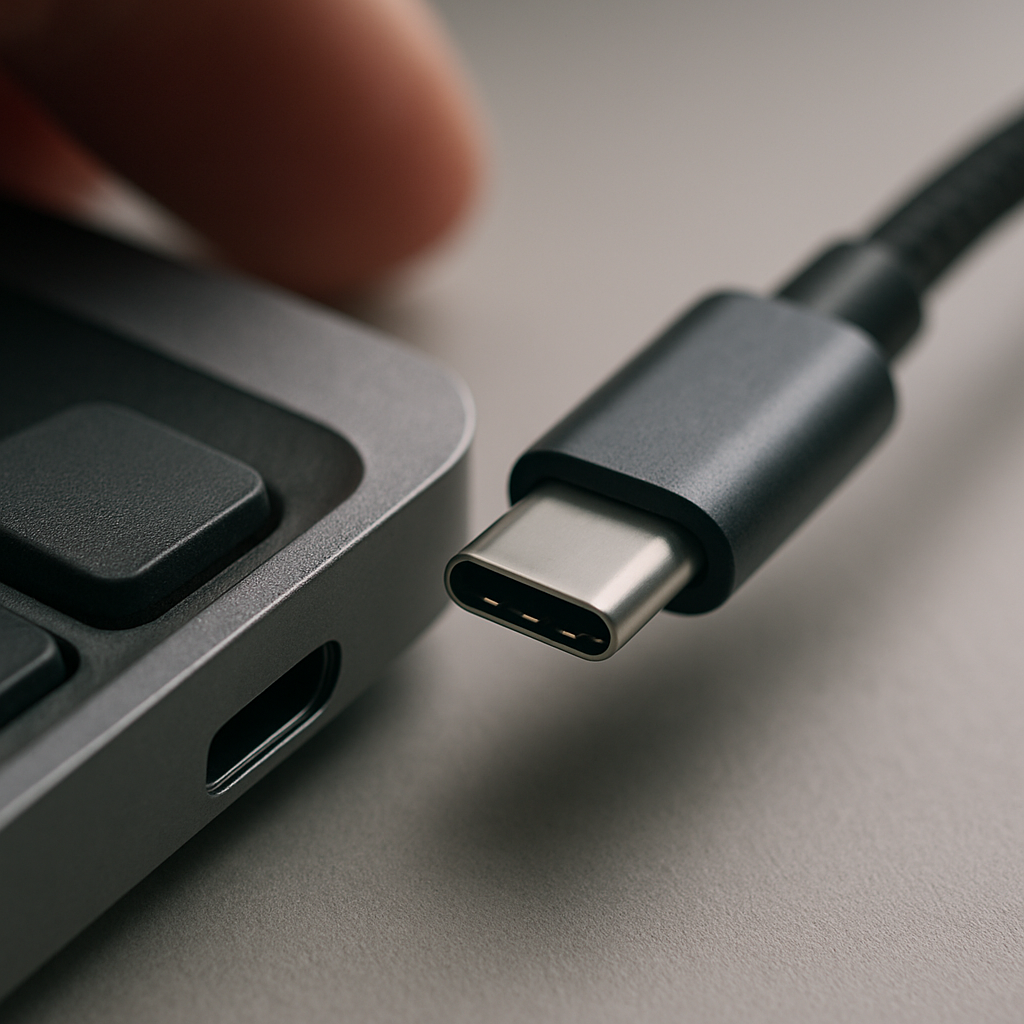
It’s frustrating when you plug in a printer, keyboard, or other gadget and your computer doesn’t seem to notice it. This can happen for a few reasons. Sometimes the connection is loose or the cable is faulty. Other times, the computer’s settings or software may have glitches that prevent it from recognising the device properly.
Safe checks to try
Before calling for help, there are some simple things you can try at home:
- Restart your computer and the device. This can clear temporary glitches.
- Try a different USB port or cable if possible.
- Make sure the device is powered on and connected properly.
- Check if the device works on another computer to rule out device issues.
Avoid opening your computer or fiddling with internal settings.
When to get help
If these steps don’t solve the problem, it might be time to ask a mobile technician to take a look. I can come to your home or workplace and check your device connections without needing you to unplug everything yourself. This way, we can get your printer, keyboard, or other gadgets working smoothly again without hassle.