

Why this happens
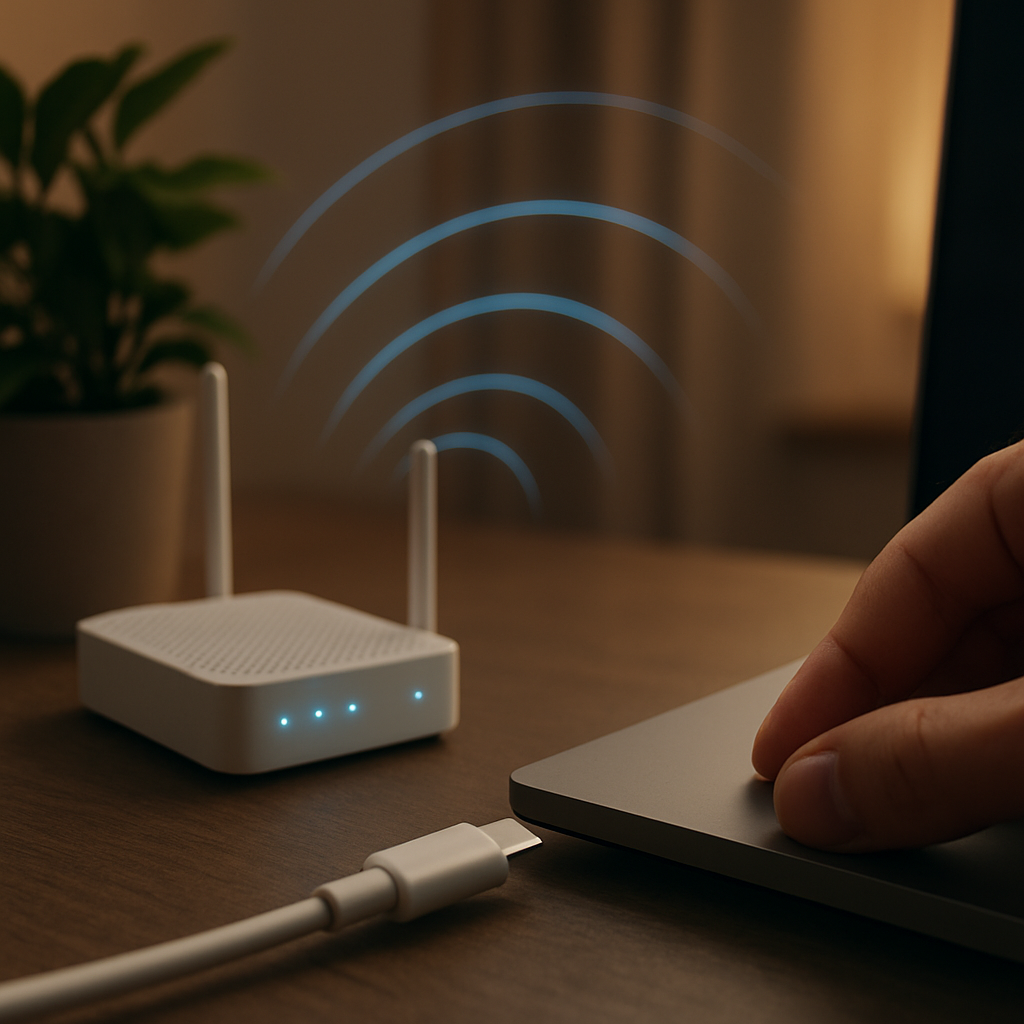
Network dropouts can be caused by a variety of reasons. Sometimes it’s as simple as a loose cable or a router that needs a quick restart. Other times, conflicting settings or hardware issues with your PC or router can interrupt your connection unexpectedly.
Safe checks to try
- Restart your router and modem by turning them off for about 30 seconds, then powering them back on.
- Make sure all cables connecting your PC and router are firmly plugged in.
- If you’re using Wi-Fi, try moving closer to the router to see if the signal improves.
- Disable and then re-enable your PC’s network adapter through the settings.
When to get help
If you continue to face random disconnections despite these checks, it might be time to get a professional involved. A technician can review your network settings and hardware connections without you having to worry about fiddling with complicated configurations. This can help pinpoint whether the issue is with the PC, router, or something else on your network.