

Why this happens
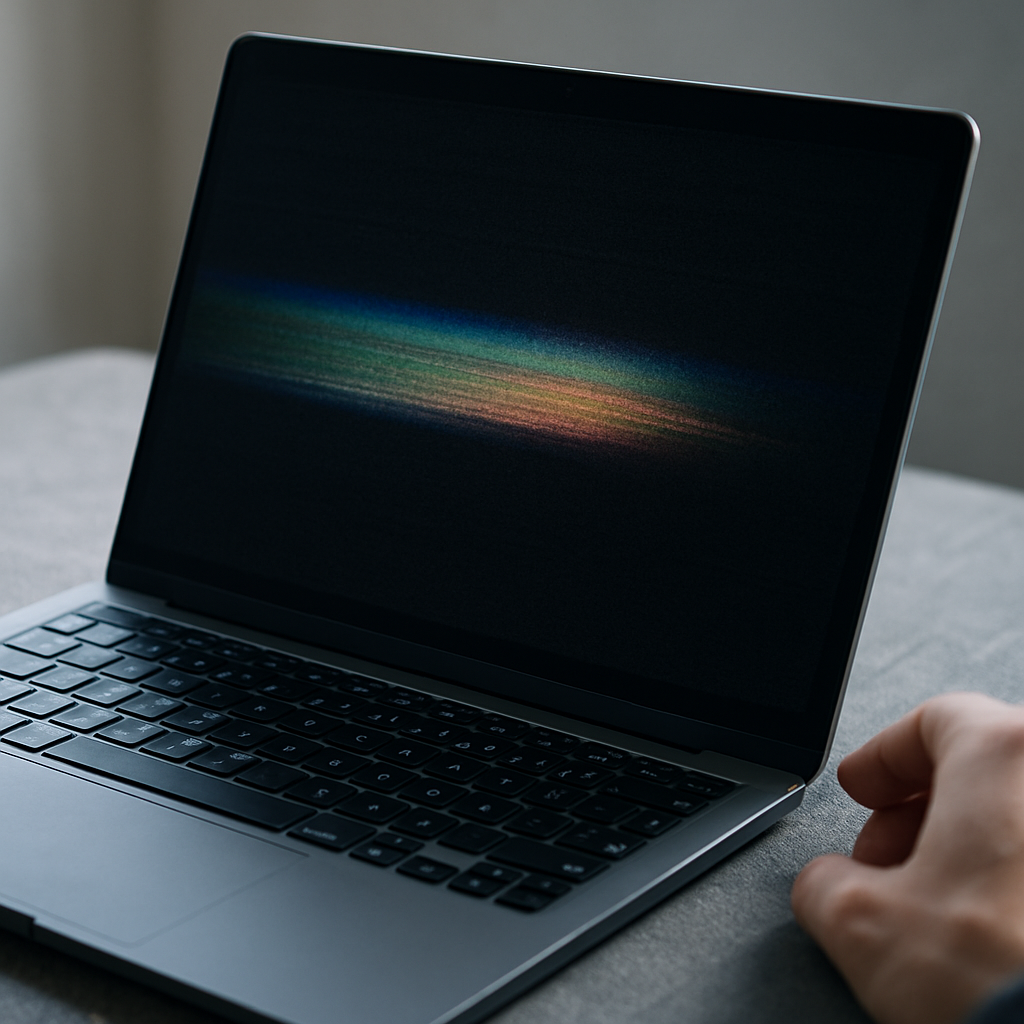
Screen flickering or strange colours on your laptop can be caused by a few common issues. Sometimes it’s a loose or damaged cable connecting the screen to the rest of the laptop. Other times, it could be software related, such as outdated display settings or conflicts.
Safe checks to try
Before calling for help, there are a couple of simple things you can do:
- Adjust your screen brightness up and down to see if the flickering changes or stops.
- Gently wiggle the screen or move the laptop lid to check if flickering gets worse or better, which might suggest a loose connection.
- Restart your laptop to clear any temporary software glitches.
Avoid pressing too hard or opening the laptop case yourself.
When to get help
If flickering continues after these simple checks, or if the colours look distorted and make it hard to use your laptop comfortably, it’s a good idea to call a mobile technician. They can carefully inspect your screen and connections without you needing to take your laptop anywhere. Getting a professional to have a look can prevent further issues and help restore your screen’s normal display.