
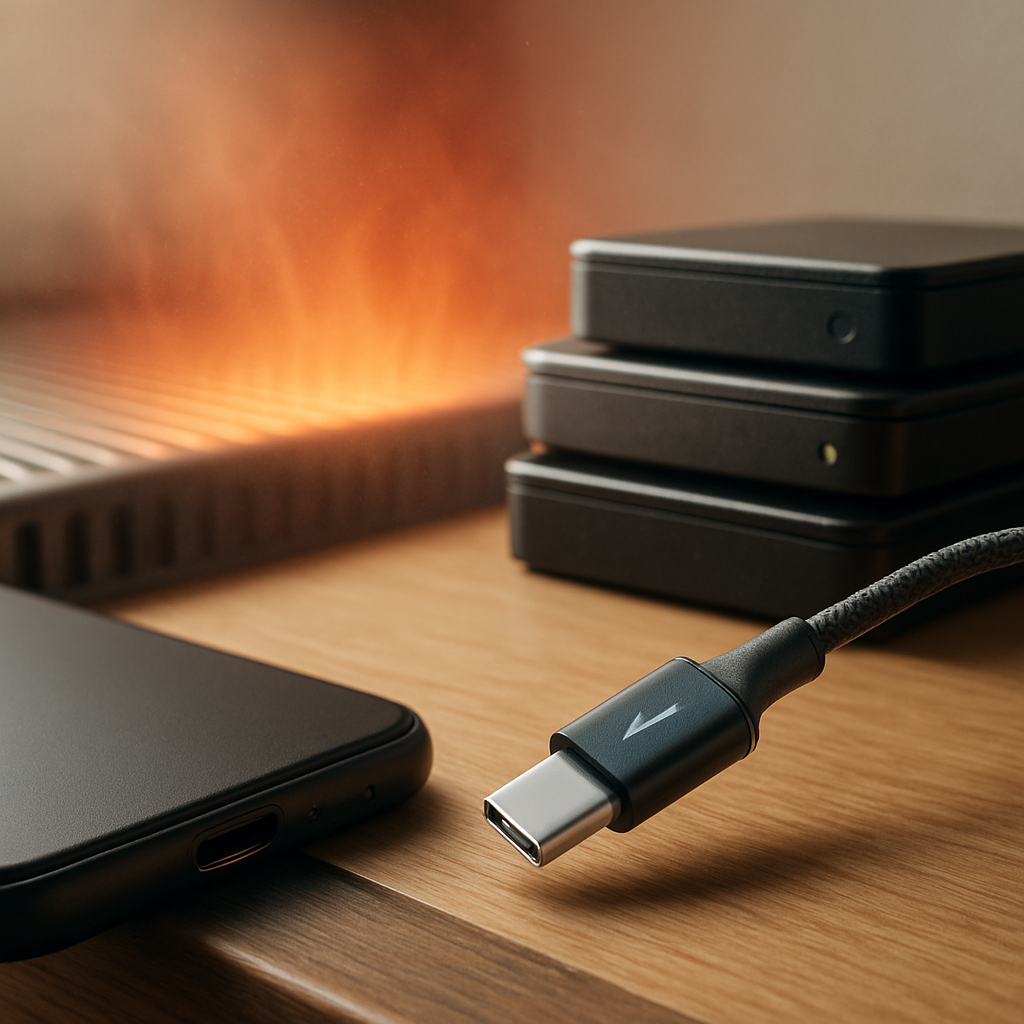

Why Your Device Might Struggle to Charge
If your phone or tablet is having trouble holding a charge, it can be down to a few common issues. Charging ports can get clogged with dust or lint, which stops cables connecting properly. Sometimes the cable or charger itself might be faulty, causing slow or no charging. Batteries naturally lose capacity over time, so older devices might not last as long between charges.
Safe Checks You Can Try at Home
Before calling in a technician, there are a few simple things to try:
- Inspect your charging cable for any visible damage or fraying.
- Try a different charger or cable if you have one handy.
- Look into the charging port with a torch to see if there’s any dust or debris blocking it.
- Avoid using the device while it’s charging, as this can slow the process and wear the battery faster.
These checks can sometimes reveal easy fixes or help you understand what’s going on.
When to Get Help
If your device still won’t charge properly after these checks, it’s a good idea to get a mobile technician involved. They can safely inspect the charging port, cables, and battery without you needing to open the device. A professional visit means you can get help without the hassle of travelling or leaving your device behind.
Regular care and mindful charging habits can also extend your device’s battery life over time, so it’s worth keeping an eye on how and when you charge.