
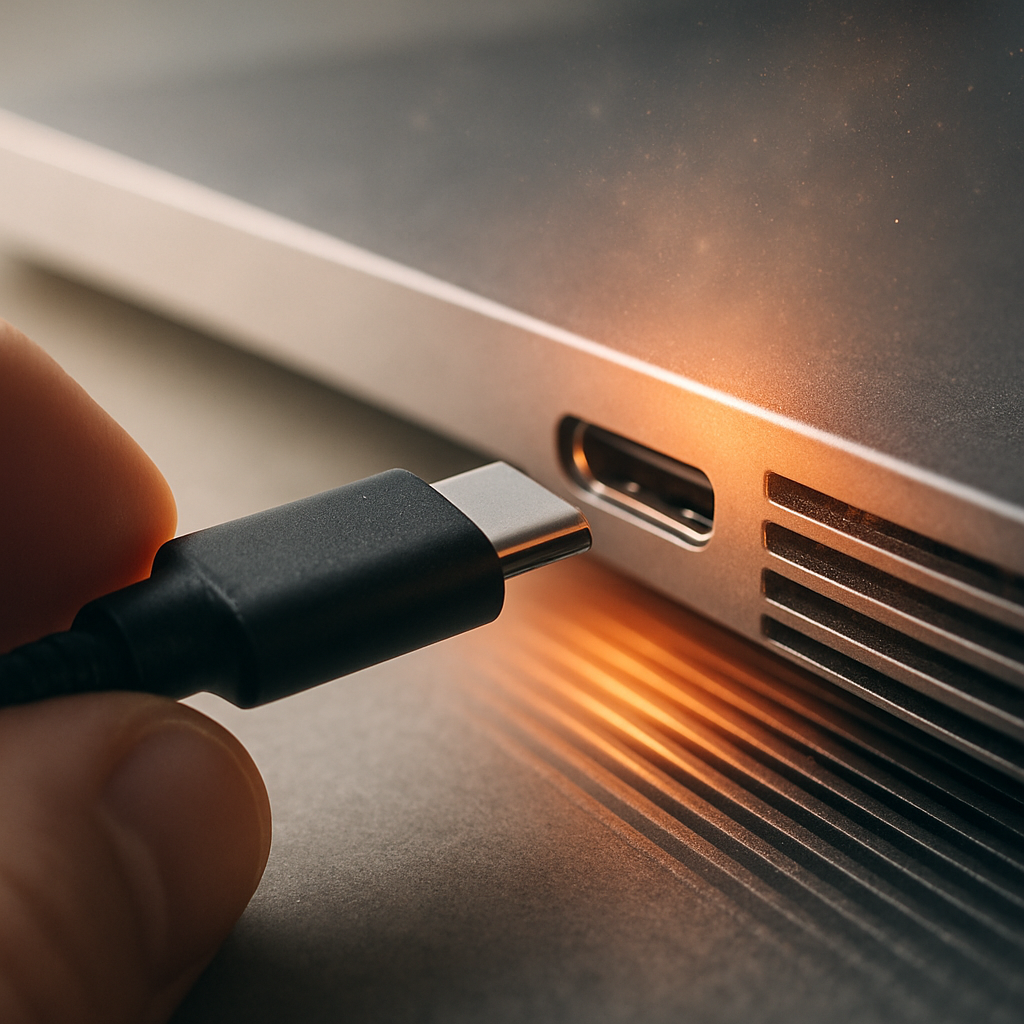

Why USB connectivity issues happen
USB ports can be a bit temperamental for several reasons. Dust or debris can build up inside the port, blocking the connection. Sometimes, the port itself gets worn out or slightly damaged from frequent use. Software glitches or power management settings can also cause the laptop to not recognise connected devices properly.
Safe checks to try at home
- Gently clean the USB port with a soft brush to remove any dust or debris.
- Try plugging your device into a different USB port to see if it works better there.
- Restart your laptop to clear temporary software glitches.
- Use a different USB cable if possible, as a faulty cable can cause connection issues.
When to get help
If devices still aren’t recognised or connections drop out regularly after trying these steps, it might be time to get a technician involved. They can check the USB ports and internal connections safely without you needing to open your laptop. Getting professional help can prevent further issues and keep your devices working smoothly.