
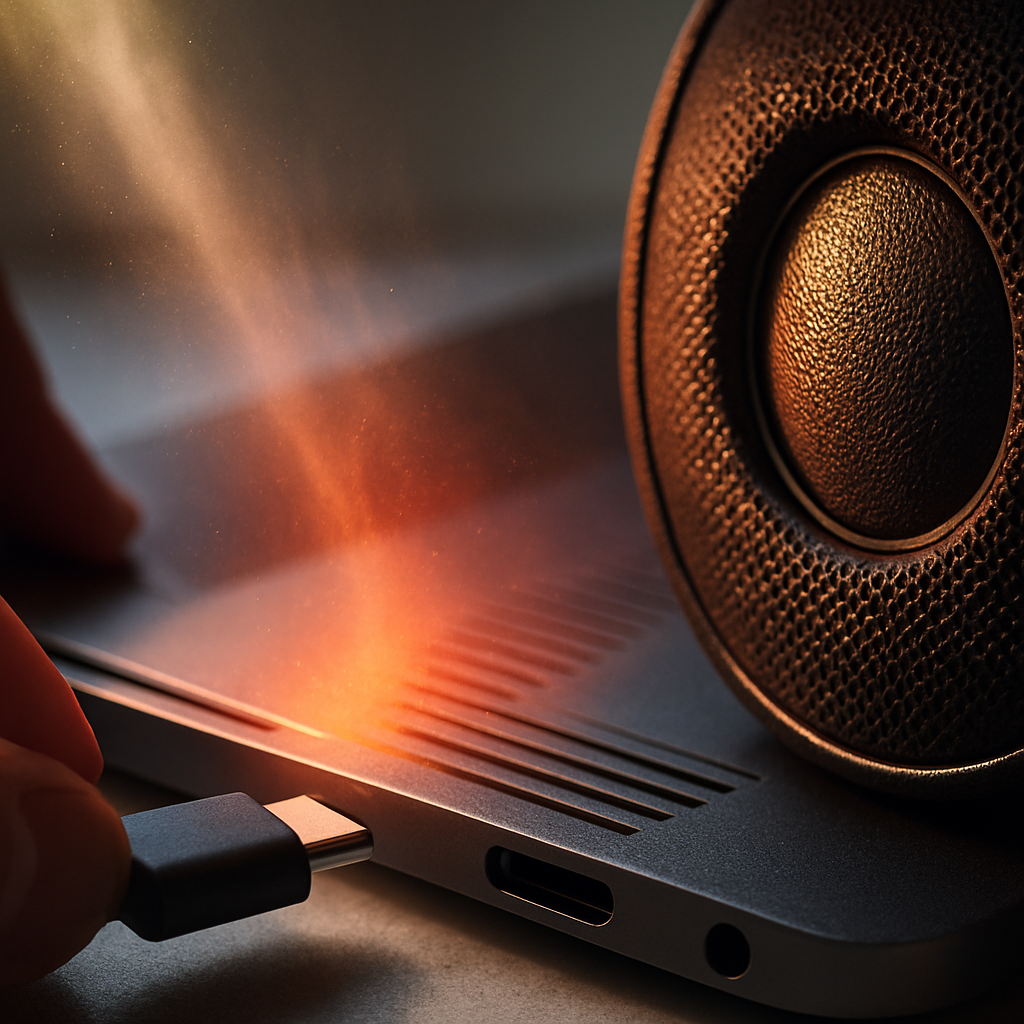

Why Laptop Audio Issues Happen
Laptop audio problems can be caused by several common factors. Loose or dirty headphone jacks, misconfigured audio settings, or speaker issues may lead to crackly sounds or no sound at all. Sometimes software updates or conflicts can affect audio too.
Safe Checks to Try at Home
- Make sure the headphone jack and ports are clean and free from dust or moisture.
- Try plugging in headphones and see if the sound works through them.
- Check your laptop’s volume settings and ensure sound isn’t muted.
- Restart your laptop to refresh software and audio drivers.
When to Get Help
If you’ve tried these simple steps and your audio is still scratchy or silent, it might be time to get a technician involved. A visit from a mobile expert can include checking hardware like headphone jacks and speakers, as well as reviewing audio settings to identify any issues. Avoid opening your laptop yourself, as that can cause further problems. Professional help can save you time and hassle while getting your sound back to normal.