

Why this happens
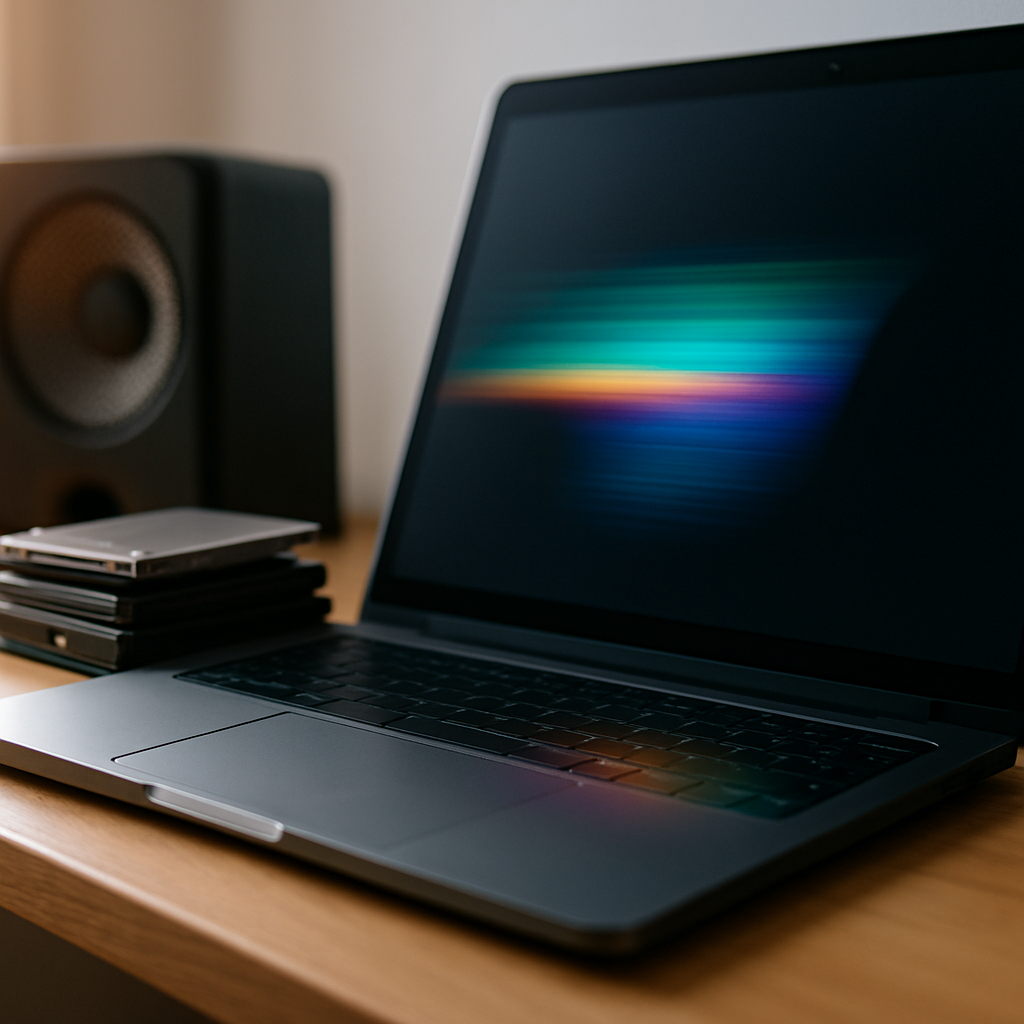
Laptop screen flickering or strange lines can be caused by loose connections, cable issues, or interference from nearby electronic devices. Sometimes the screen angle or magnets close by can affect the display. It’s common to notice flickering when moving the screen or when certain apps are running.
Display issues sometimes sit alongside laptop audio problems after an update or knock.
Safe checks to try
- Adjust your screen angle slowly to see if the flicker changes or stops.
- Remove any magnets, speakers, or other electronic devices near your laptop that might cause interference.
- Make sure the laptop is on a stable surface and not being jostled.
- Restart your laptop to rule out temporary software glitches.
Avoid poking or pressing hard on the screen itself as this can cause damage.
When to get help
If the flickering or lines continue despite these simple checks, it’s best to have a technician look over the connections and cables inside your laptop. A professional can safely inspect without opening the case yourself and advise on the best next steps.
Feel free to arrange a visit from a mobile technician who can come to your home or workplace and have a proper look at the display issues, providing advice and support on site.